Make room for what matters
Choose healthy routines that fit your life, from reading and movement to moments of rest.
Your open-source habit companion
Build a life that feels a little more like yours. Track the habits that matter, celebrate each day you show up, and let progress grow at its own pace.
A gentler kind of progress
Choose healthy routines that fit your life, from reading and movement to moments of rest.
Mark each day and revisit your calendar to see steady effort—not a demand for perfection.
Optional daily web push reminders help your intentions find a place in your day.
HabitMaker is built in public. Explore the code, share an idea, or help shape what comes next.
A peek inside
A little structure, a little encouragement, and plenty of room to find your own rhythm.
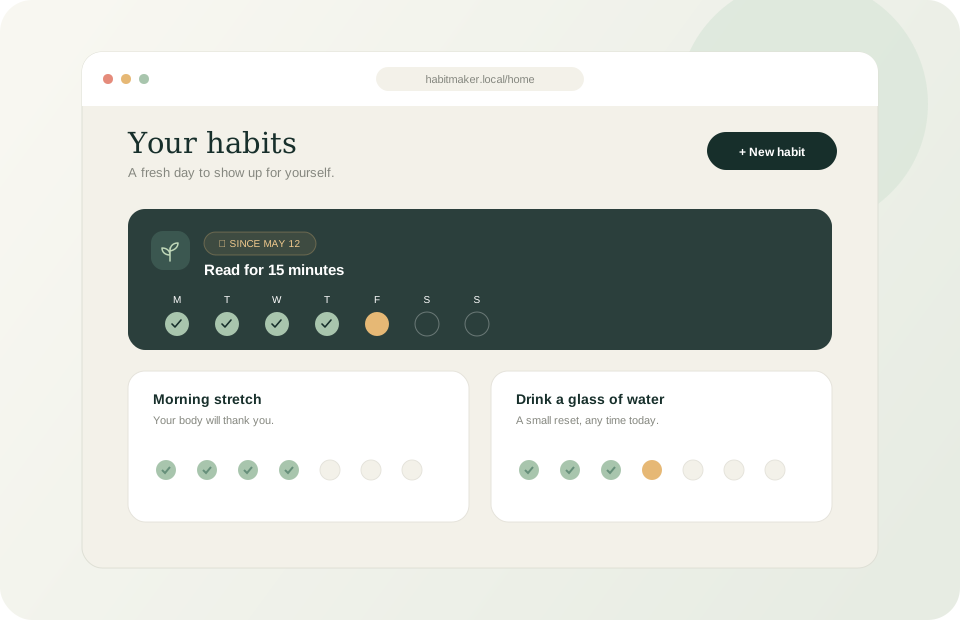
See your daily routines and the small wins that add up.
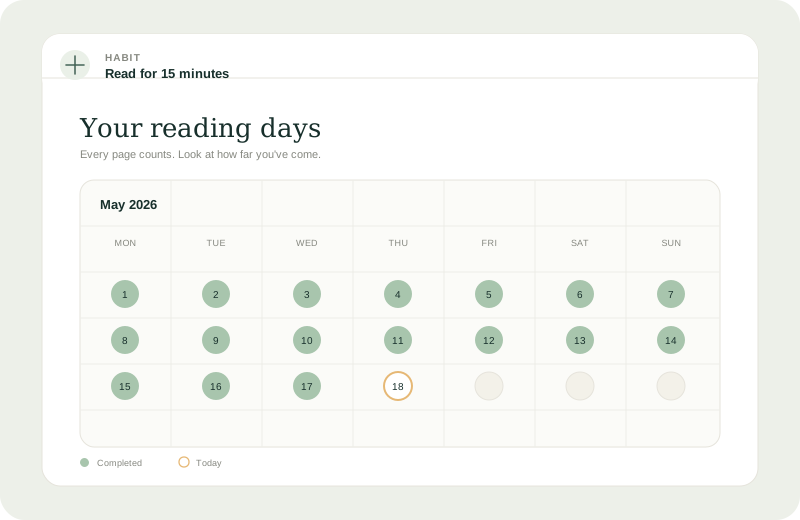
A calm calendar makes your consistency easy to spot.
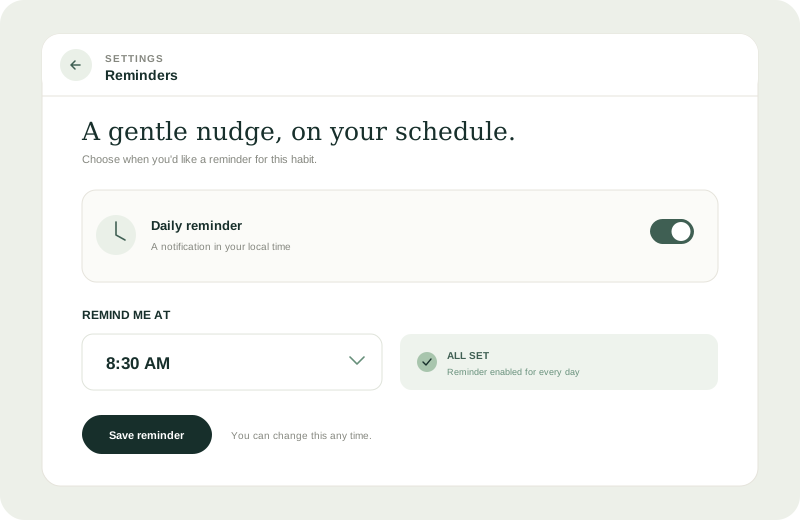
Set a daily nudge for each habit, right in your local time.
Illustrative previews of HabitMaker’s current home, habit calendar, and reminder settings.
Your own little garden
Run HabitMaker on your machine with Docker Compose. The stack includes the web app, API, and PostgreSQL database.
Before you begin
Install Docker with the Docker Compose plugin. Use a unique, random JWT_SECRET and a strong POSTGRES_PASSWORD in your .env file. To create an initial admin account, also set both ADMIN_EMAIL and ADMIN_PASSWORD.
Get Docker Desktop or Docker Engine with the Docker Compose plugin.
Clone the repository, copy the example environment file, then set your secrets.
git clone https://github.com/josesaranda/HabitMaker.git
cd HabitMaker
cp .env.example .envBuild the images and run the app with its API and database.
docker compose up --build -dOpen the app and start shaping a routine that feels right for you.
http://localhost:8080Good things grow together
Try HabitMaker, report a bug, or help build the next small improvement. Contributions of every size are welcome.
Not sure where to start? Browse the open issues or join the conversation.
Read the project README